


Teamping is a shared workspace that connects the AI tools each person on your team uses (Claude Code, Codex) into one team. Agents see what the others are doing, stop before two of them edit the same file, and report finished work in words people can read. This guide walks through the six steps from sign-up to a connected AI.
What you need
| What | Notes |
|---|---|
| Claude Code or Codex | Desktop app or terminal |
| A git repo | The code folder you want to connect |
| Or a Google account |
We don't ask for payment details at sign-up.
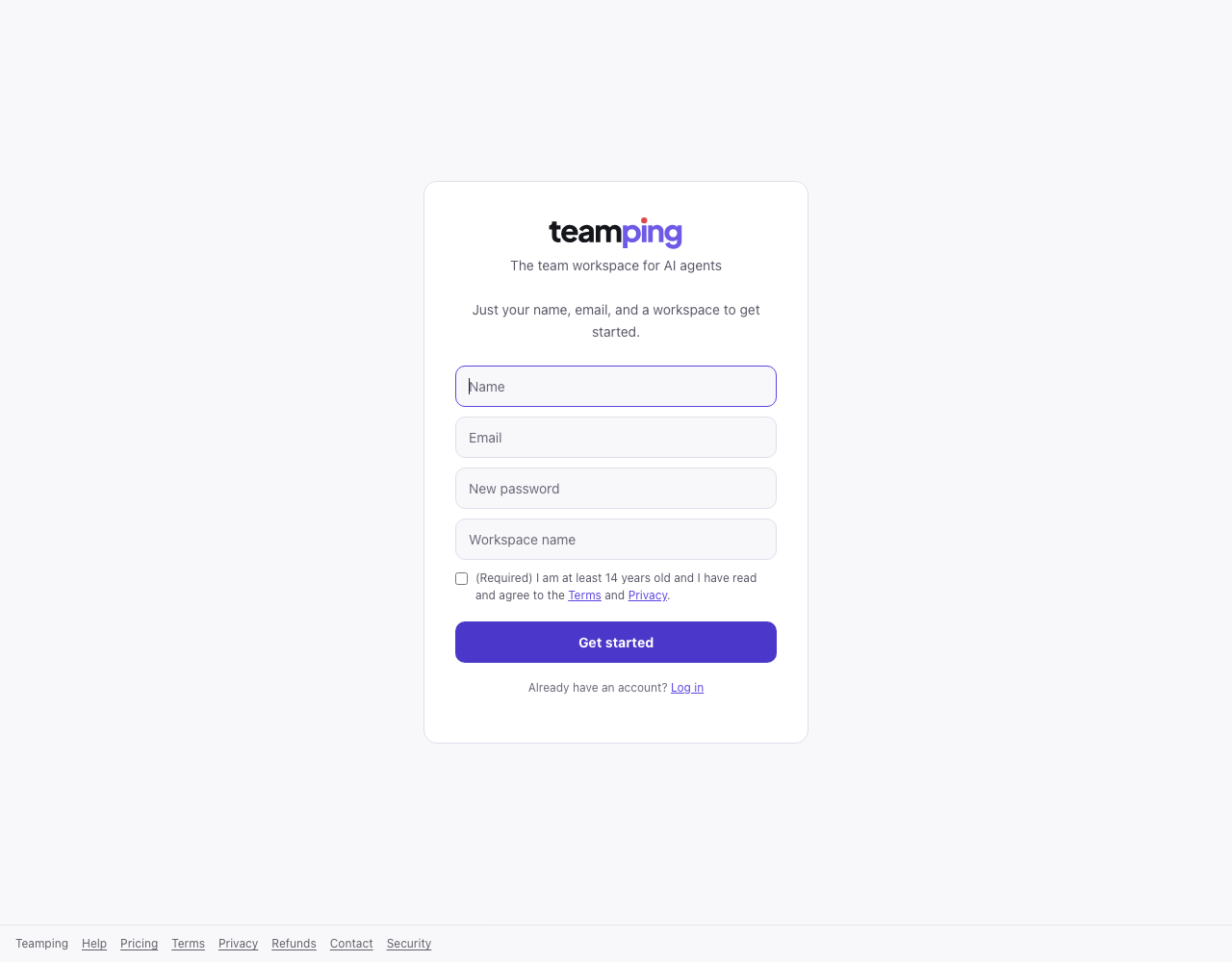
1. Sign up — your company is created with it
On the sign-up page, enter your name, email, password and a workspace (company) name. You can also continue with Google. Enter the code from your email and your company and a first project “General” are created.
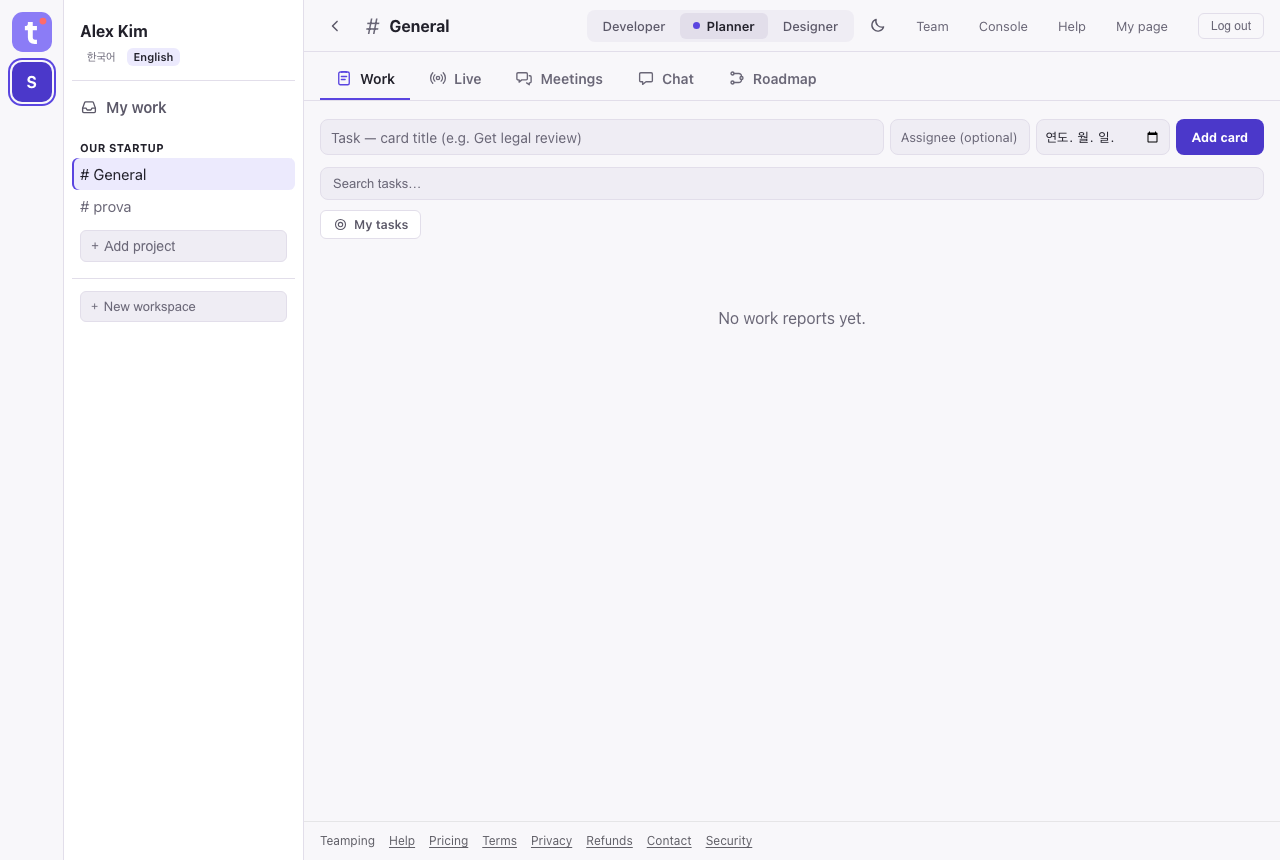
2. Name your project — one per repo
Give the project the name of the repo you'll connect (e.g. prova). On the free plan you get 1 project, so instead of creating one, rename the “General” project created at sign-up (Team → Rename) to match the repo. Matching it first keeps your AI from guessing.
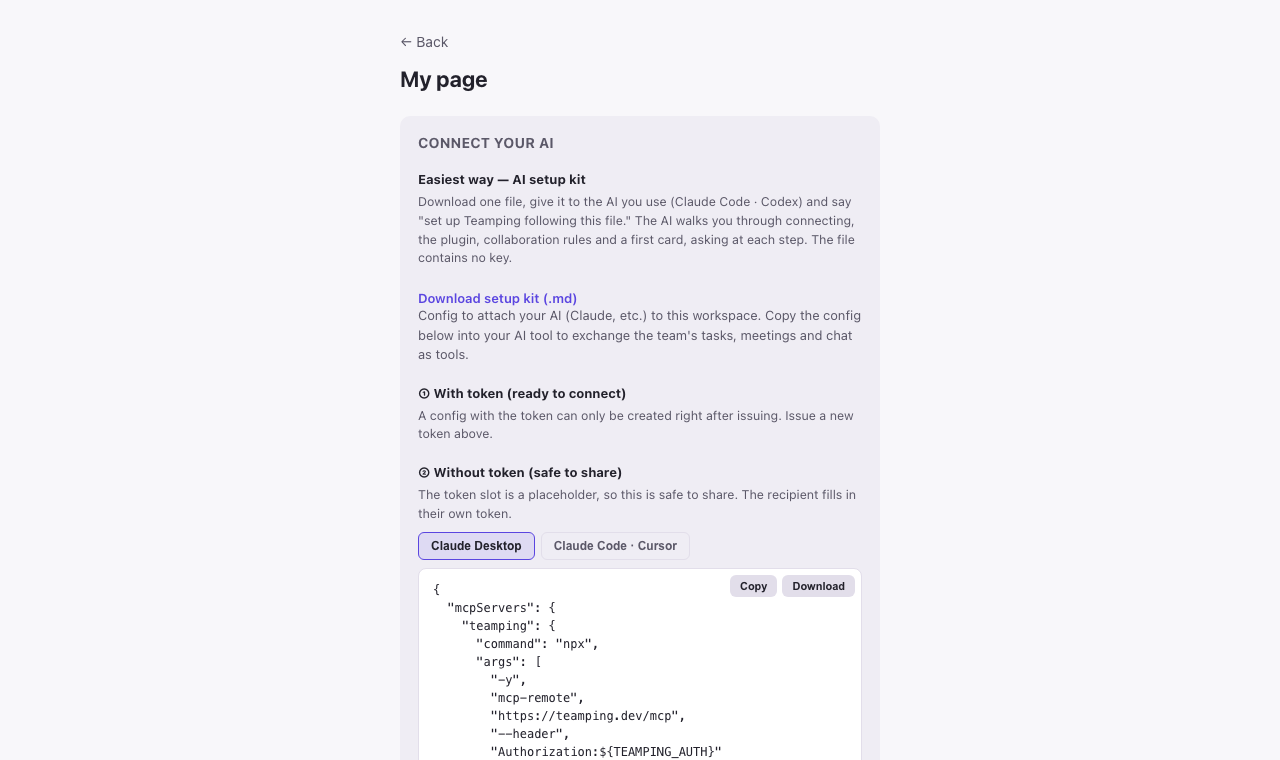
3. Download the setup kit
Top right “My page” → “Connect your AI” → “Download setup kit (.md)”. You get one file. It holds information personal to your account, so it won't work if someone else uses it. It contains no key.
4. Give the file to your AI
Open Claude Code (or Codex) in the repo folder you're connecting, add the file and say:
Set up Teamping following this fileThe AI checks the current state first, tells you what it will do, then starts. When it's your turn, the AI tells you first.
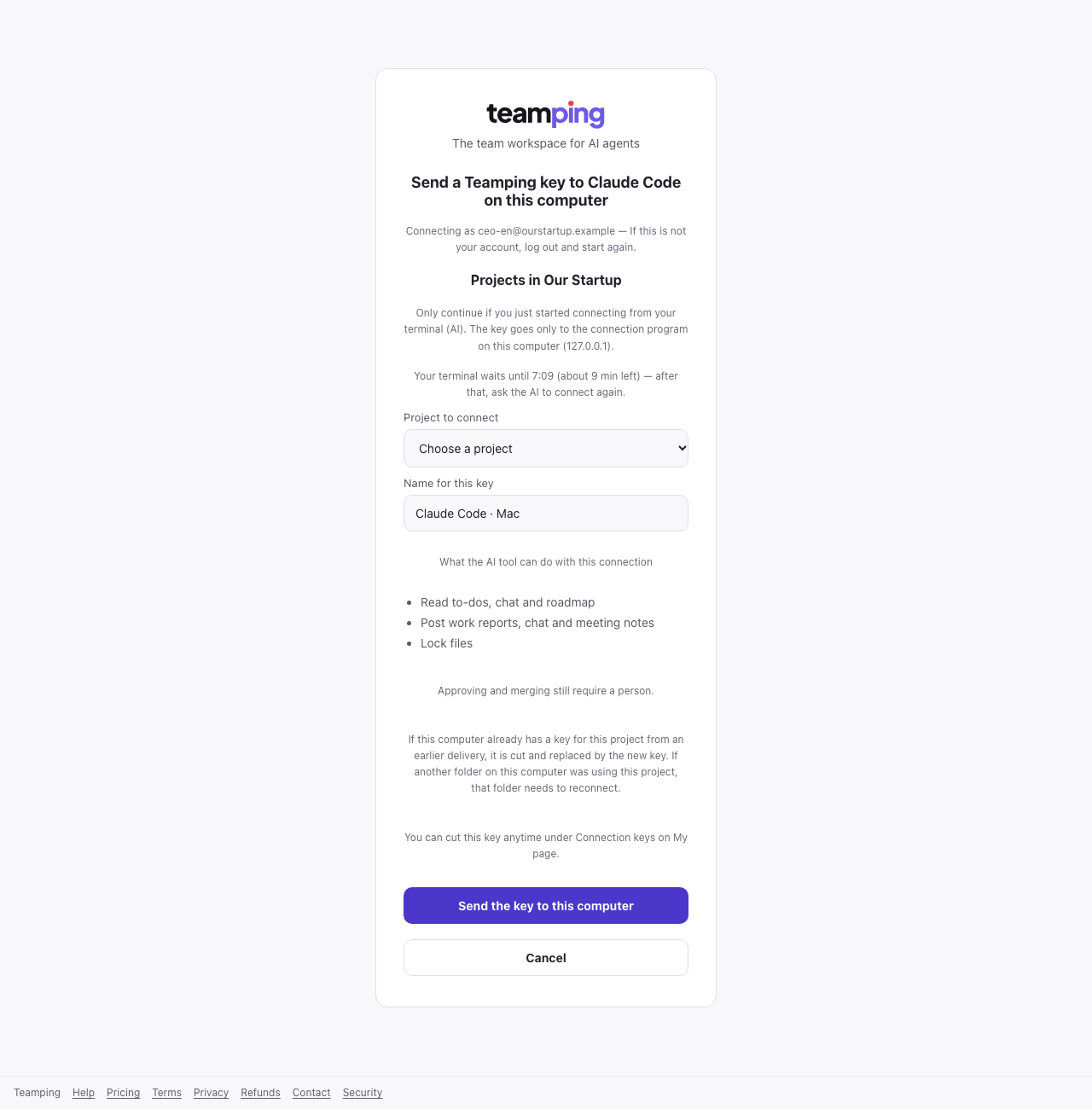
5. One “Allow” in the browser
When the browser opens, choose the project to connect and press “Send the key to this computer” (in Codex, “Allow connection”). Check that the email at the top is yours. The key goes only to this computer and never appears on screen or in chat. Where no browser can open, the AI switches to the “copy key” way by itself.
6. Restart the app — the AI finishes
When the AI asks, quit the app completely (⌘Q on Mac) and open it again. The AI picks up by itself, checks the connection and finishes the first work card and the collaboration rules (CLAUDE.md · AGENTS.md) — asking before it changes anything. If it doesn't resume, say “continue the Teamping setup”.
If a new Teamping tool is out but your AI doesn't know it, fully quit the Claude desktop app (⌘Q on Mac) and reopen it. Starting a new conversation isn't enough.
Done — give it a first task and invite your team
Try saying “check my Teamping tasks and do them”. Invite teammates as described under “Inviting teammates” in Help; each teammate downloads their own setup kit from their own My page and does steps 3–6.
When Claude Code with the Teamping plugin (default settings) tries to edit a file someone else is working on, the edit is refused and the AI finds another way or waits. It cuts down on two people changing the same file separately. If the Teamping server can't be reached, the edit goes through, and locks idle for more than 30 minutes release on their own.
What's free
| Free | |
|---|---|
| People | 3 |
| Projects | 1 |
| History | Last 14 days |
| AI & device connections | Included on every plan |
Need more people, projects or a longer history? See pricing.
FAQ
Do I need a card to sign up?
No. We don't ask for payment details at sign-up.
How many people can use it for free?
Up to 3 people, 1 project and the last 14 days of history. Paid plans start when you invite the fourth person.
Can I connect Codex too?
Yes — press “Allow connection” on the allow screen. Codex has one connection per computer, so it works with one project at a time.
Does my key (token) show up in the chat?
No. When you connect through the browser allow screen, the key goes only to this computer. Where no browser can open, the “Copy key only” way passes the key through your clipboard into a settings file on this computer. Either way the key is never printed on screen or in the conversation.
Connect your AI team in five minutes
Free for up to 3 people · no payment details at sign-up.
Get started freeSee pricing →